
01YOUR PRIVATE GAME
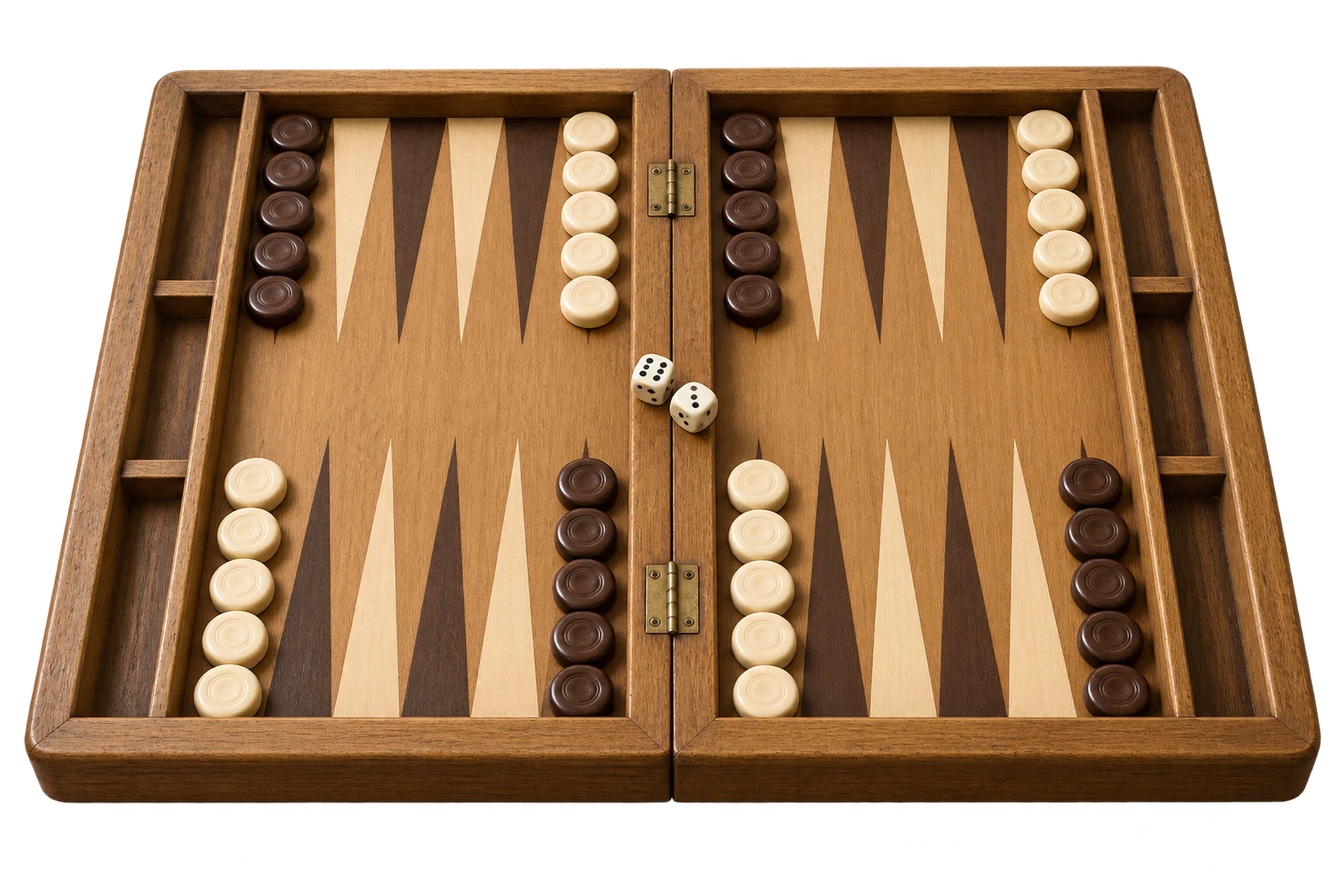
Send a link. Take a seat.
Create an invitation and send it directly to your friend. You decide who joins you, so there is no need to find each other through matchmaking.
How invitations workA PRIVATE TABLE · A FAMILIAR RIVAL
Your favourite opponent, wherever they are. Play backgammon online with friend for free: create a private game, share the invitation link, and settle in for a little friendly competition. Just two players and the next roll.
GOOD COMPANY. A GREAT GAME.
A quick game after work or your weekly catch-up. Online backgammon gives you a place to play together, wherever the day takes you.
Create an invitation and send it directly to your friend. You decide who joins you, so there is no need to find each other through matchmaking.
How invitations work
One of you on a phone, the other on a laptop? Join the same live game from your browsers. A shared table does not need a shared room.
Questions about playing together
Play for free, trade a few bold moves, and see who wins the race home. Call each other while you play to turn a match into a proper catch-up.
Make the most of your matchFROM AN INVITATION TO THE FIRST ROLL
Start in the game lobby. The friend menu lets you create a private online game and get a link for the person you want to play.
Open the game lobbySelect “Play with friend” on this page to open backgammon.rocks. In the lobby, choose “With friend”.
Choose “Play with a friend online”. Your private game opens with an invitation link you can copy.
Send the link in your usual chat or message. Keep the game open while your friend follows the link on their own device to join you.
Once you are both in the game, follow the turn prompts, roll the dice, and choose your moves. Bring all fifteen checkers home and bear them off before your friend does.
A LITTLE RIVALRY GOES A LONG WAY
Backgammon mixes planning with unexpected rolls. Playing a familiar opponent makes every escape, hit, and close finish a little more personal.
New to the board? Read the Backgammon rules together, or warm up with a Backgammon vs computer.
Start a voice or video call in your favourite app while you play. You can talk through a tricky position or simply catch up between turns.
Agree on a few games and keep a tally together. A regular evening at the board gives you a reason to reconnect, even across time zones.
After the game, talk about a roll that changed the result. Would you have protected that blot or taken the hit? Share ideas and try them next time.
Use a steady internet connection and give both players time to finish. If you organise a group game night, play separate matches and track the results together.
THERE IS ALWAYS ANOTHER WAY TO PLAY
Choose “With friend”, then “Play on the same device” to take turns on a shared screen.
Explore two-player backgammonPractise against the computer and work on your moves before your next friendly match.
Play backgammon vs computerHead to the main lobby and choose an online table to find another backgammon player.
Explore backgammon onlineBEFORE YOU INVITE YOUR FRIEND
Everything you need to find each other at the board and get your game started.
Yes. You can play a private backgammon game with a friend for free on backgammon.rocks. Open the lobby, choose “With friend”, and select “Play with a friend online” to create an invitation.
Choose “With friend” in the lobby, then “Play with a friend online”. Copy the invitation link from your private game and send it to your friend. They open that link on their own device to join you.
Yes. You can join the same private game from different devices. Use a modern browser on a phone, tablet, or computer, and keep both devices connected to the internet.
No. Both players can open backgammon.rocks in a browser. The invitation link takes your friend to the game, so no app installation is needed for browser play.
A private invitation connects you with the person who opens your game link. Share it directly with your friend. Use an online table in the main lobby when you want matchmaking instead.
Yes. If you are sitting together, choose “With friend”, then “Play on the same device”. You take turns on one phone, tablet, or computer instead of sending an online invitation.
A backgammon game has two players, with fifteen checkers each. For a game night with more friends, arrange separate one-on-one games and keep a shared score or tournament bracket yourselves.
Check that both devices are online and that your friend opened the complete invitation link. If the game is no longer available, return to the lobby, create a new private game, and send the new link.
SAVE YOUR FRIEND A SEAT
Open the lobby, create a private invitation, and bring a friend to the board. A free game of backgammon is a good reason to get together.
Play backgammon with friend