
01READY WHEN YOU ARE
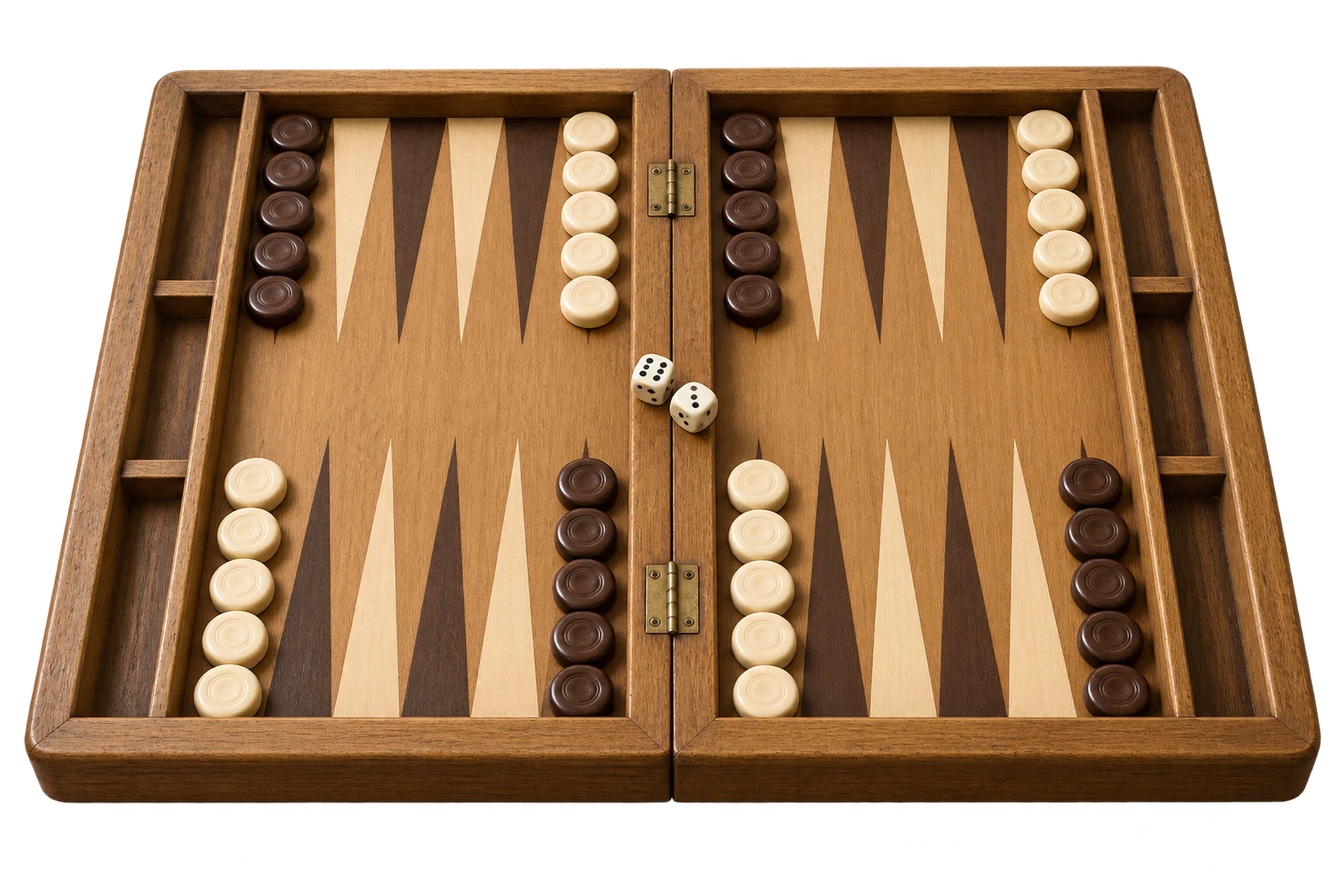
Take a seat. Start a game.
No invitations to arrange or opponent to find. Open the lobby, choose the computer, and turn a spare moment into your next backgammon game.
Open the lobbyYOUR NEXT OPPONENT IS READY
A board, a pair of dice, and an opponent whenever you feel like playing. Play backgammon against the computer for free, try a new strategy, and enjoy the race to bring all fifteen checkers home.
A LITTLE PRACTICE. ANOTHER GOOD GAME.
Learn the board, try a different approach, or settle in for a familiar game. You do not need to find a partner to enjoy backgammon.
No invitations to arrange or opponent to find. Open the lobby, choose the computer, and turn a spare moment into your next backgammon game.
Open the lobby
Get comfortable with legal moves, hitting a blot, and returning from the bar. Seeing the rules in a real game helps them become second nature.
Start with the basics
Practise building points, protecting loose checkers, and knowing when to race. Pick one idea to focus on and carry it into your next game.
Explore what to practiseFROM THE LOBBY TO THE FIRST ROLL
Your browser is all you need. The board handles the setup and the computer takes the other side, so you can concentrate on your next move.
Open the game menuSelect “Play against the computer” on this page. The game opens in your browser on a phone, tablet, or computer.
Select the computer option in the lobby. If a saved computer game is available, continue where you left off or start a new game.
Use the dice to move your checkers toward your home board. Choose legal moves, watch for exposed checkers, and see how the computer responds.
Once all fifteen checkers are in your home board, start bearing them off. Remove your last checker before the computer to win.
ONE GAME. PLENTY TO LEARN.
The computer plays the other side of a standard backgammon game. Use each position to get more comfortable with the decisions that matter.
Each die is a separate move. Use both when legal; if either can be played but not both, use the higher number. Doubles give you four moves of the same value.
Two or more checkers on a point block the opponent from landing there. Practise making connected points while leaving useful options for your next roll.
A lone checker can be hit and sent to the bar. If one of yours is hit, it must re-enter through the opponent’s home board before your other checkers can move.
When the checkers have passed each other, the game becomes a pure race. Focus on moving efficiently and bringing every checker into your home board.
Bring all fifteen checkers home before removing any. Spread them across useful points so fewer rolls are wasted as you race to bear off the last one.
The cube changes the game’s value. An eligible player can offer a double before rolling; the opponent can accept or concede the current value.
THINK FIRST. THEN LET THE DICE ROLL.
You cannot choose the dice, but you can choose what to do with them. A computer opponent gives you a practical way to explore those choices.
New to the board? Read the Backgammon rules. For more ideas, explore our Backgammon strategy.
Compare ways to use both dice before moving. A tempting first move may leave you with a weaker second one.
Before leaving a checker alone, look at which numbers could hit it. Balance that risk against the value of the point or position you are building.
Notice how the computer’s move changes the board. Did it make a point, escape a checker, or leave a target? Use the new position to shape your plan.
A good decision can still meet an unlucky roll. Focus on the choices you can improve and try one new idea in your next game.
BEFORE YOU TAKE A SEAT
Getting started, learning the rules, and coming back for another game.
Yes. You can play backgammon against the computer for free in your browser on backgammon.rocks. Open the lobby and choose “With computer” to start.
Select “Play against the computer” on this page to open the lobby, then choose “With computer”. If you have a saved computer game, you can continue it or start a new one.
Yes. Playing against the computer gives you a way to practise the rules without arranging a match with another person. Start with legal checker moves, then work on hitting, blocking, and bearing off.
No. The game runs in a modern browser. Open the lobby on your phone, tablet, or computer to play without installing an app.
Yes. When a saved computer game is available, choosing “With computer” lets you continue it or start a new game. Return using the same browser and device, and keep your browser data to retain the local save.
No. Both sides play standard backgammon with fifteen checkers each. The same rules for dice, doubles, hitting, entering from the bar, and bearing off apply. The game also includes the doubling cube, gammons, and backgammons.
Protect vulnerable checkers, build connected points, and watch the race before choosing your moves. Dice make each game uncertain, so judge your decisions across several games instead of expecting to win every time.
Yes. Return to the lobby to find an opponent, invite a friend to a private game, or play together on the same device. Computer games are a useful way to practise before your next two-player match.
YOUR NEXT GAME STARTS HERE
Put a new idea into play. Open the lobby, choose “With computer”, and make your next move.
Play against the computer